Parallel Messenger1.0
Publisher Description

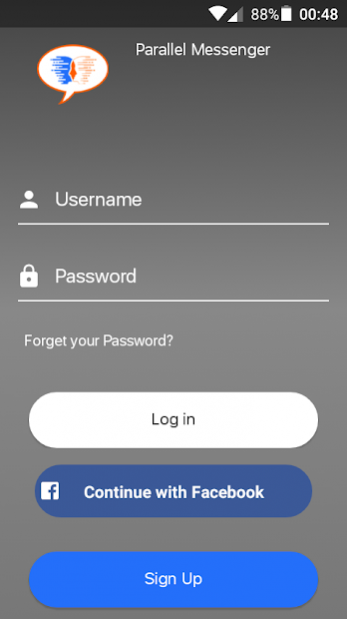
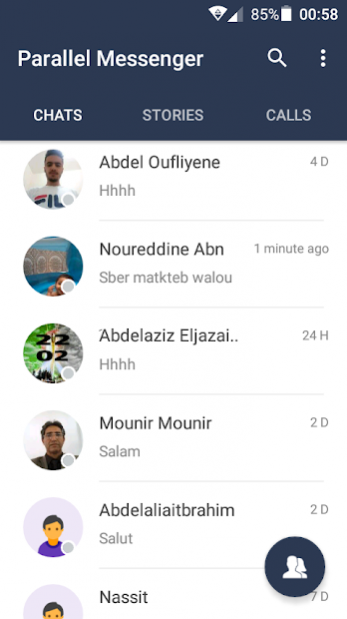
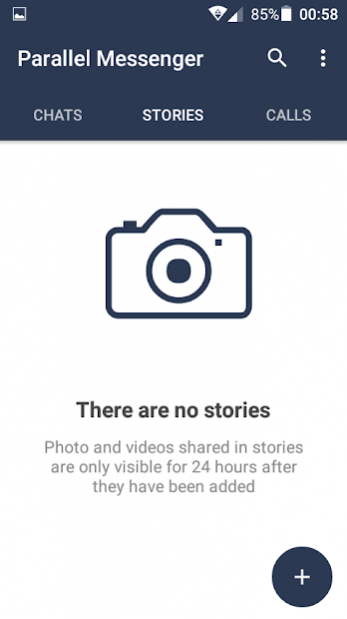
Be together whenever with a simple way to text, video chat and audio call.
Parallel Messenger is a communication app that allows you to chat with the whole world for free. You can either choose to chat with your friends only or find new people to chat with.
Parallel Messenger allows you to chat with friends and message people around the world.
User Features:
ِ-Audio/ Video call.
-Send, receive messages.
-Regitration pages and steps.
-Share & upload images, Sound Recourd.
-Offline access to all messages and recent conversions.
-Update chat status.
-Explore New user’s & Friends.
-Control Your Privacy.
-Control Your Settings.
-Change Profile information.
-Explore user’s profiles and status.
ِ-30+ new features.
Download Parallel Messenger and leave a review, please be advised that this just Messenger application is still in BETA. Your reviews will drive our story forward and we will consider all the "wanted" features left in reviews for our further development.
Thanks for your download.
Your Parallel Messenger.
About Parallel Messenger
The company that develops Parallel Messenger is Az Parallelface. The latest version released by its developer is 1.0.
To install Parallel Messenger on your Android device, just click the green Continue To App button above to start the installation process. The app is listed on our website since 2019-06-03 and was downloaded 1 times. We have already checked if the download link is safe, however for your own protection we recommend that you scan the downloaded app with your antivirus. Your antivirus may detect the Parallel Messenger as malware as malware if the download link to com.parallelface.messenger is broken.
How to install Parallel Messenger on your Android device:
- Click on the Continue To App button on our website. This will redirect you to Google Play.
- Once the Parallel Messenger is shown in the Google Play listing of your Android device, you can start its download and installation. Tap on the Install button located below the search bar and to the right of the app icon.
- A pop-up window with the permissions required by Parallel Messenger will be shown. Click on Accept to continue the process.
- Parallel Messenger will be downloaded onto your device, displaying a progress. Once the download completes, the installation will start and you'll get a notification after the installation is finished.
